
Language
My AI Engineering Journey: What I Learned Working with the OpenAI API
I've started learning AI engineering. Here are my notes on tokens, API cost, temperature, few-shot prompting and chat roles from the OpenAI API.
I've started my journey of learning AI engineering, and I want to document it here as I go. Writing down what I learn helps me remember it, and I hope it helps other developers who are starting from the same place.
How I'm learning
Before the end of 2026, I started the Associate AI Engineer for Developers track on DataCamp. So far I've completed the first three chapters, which cover working with the OpenAI API. This post summarizes the concepts I learned. I'm still a beginner, so if I got something wrong, please tell me through the contact page.
1. Understanding tokens
Language models don't read text the way we do. They split text into small pieces called tokens. A token can be a whole word, part of a word, a number, or a punctuation mark. A long or unusual word, like "tokenization", is often split into several tokens.
As a rough guide for English, 1 token is about 4 characters, or about ¾ of a word. Tokens matter for two reasons:
- Limits: every model has a context window, which is the maximum number of tokens it can handle in one request. The prompt and the response both count toward it.
- Cost: you pay for the tokens you send and receive.
You don't need a special library to count tokens in a basic request. The API tells you exactly how many tokens were used, in the usage field of every response, and I use that to calculate cost in the next section.
2. Calculating the cost of tokens
The OpenAI API charges per token, usually quoted per 1 million tokens. Input tokens (your prompt) and output tokens (the model's response) have different prices, and output tokens usually cost more.
The formula is:
cost = input_tokens × input_price + output_tokens × output_price
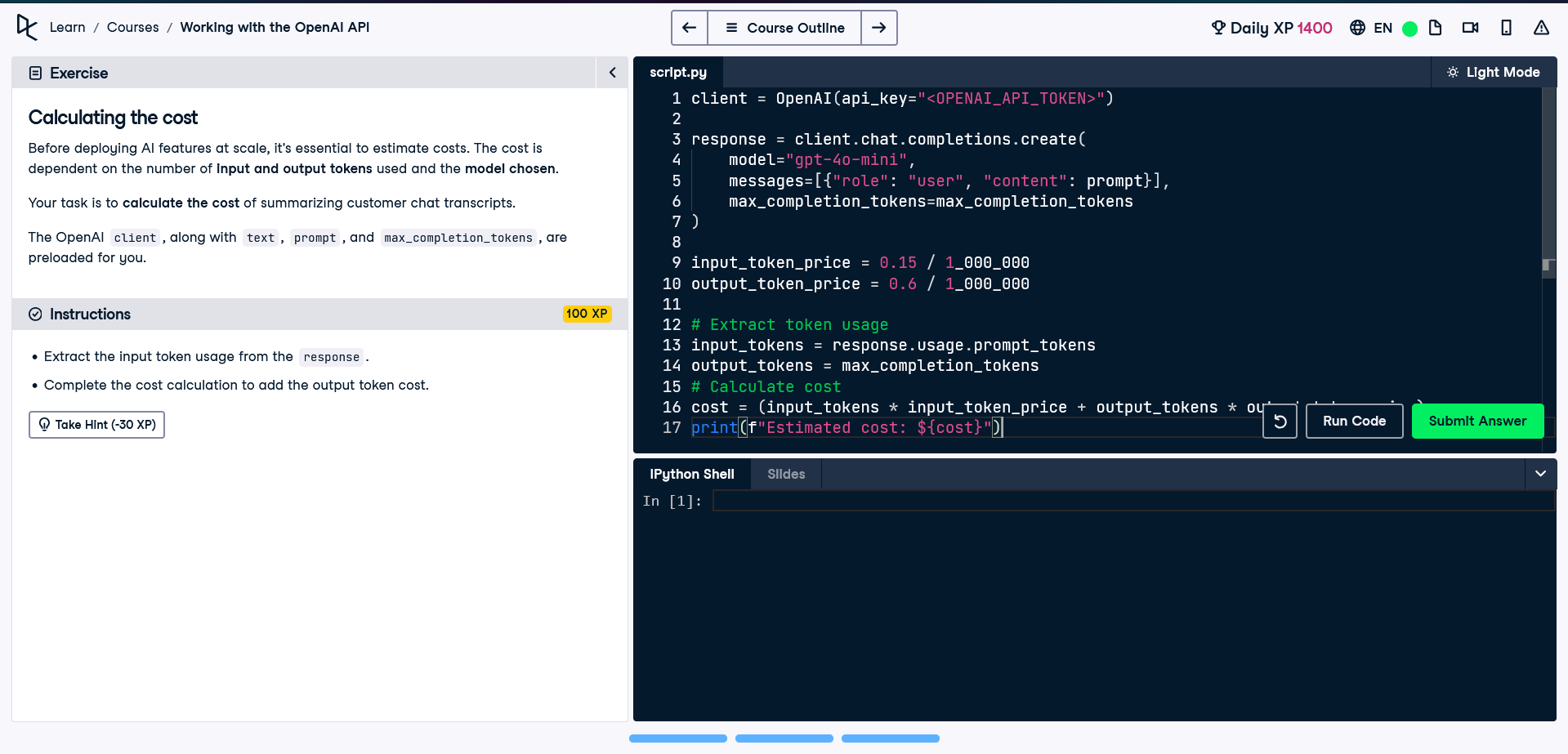
Here is the simple calculation I wrote in the course exercise, using the gpt-4o-mini prices from the course ($0.15 per 1M input tokens and $0.60 per 1M output tokens):
from openai import OpenAI

client = OpenAI(api_key="<OPENAI_API_KEY>")  # never publish a real key

max_completion_tokens = 100
prompt = "Explain what a token is in one sentence."

response = client.chat.completions.create(
    model="gpt-4o-mini",
    messages=[{"role": "user", "content": prompt}],
    max_completion_tokens=max_completion_tokens,
)

input_token_price = 0.15 / 1_000_000
output_token_price = 0.6 / 1_000_000

input_tokens = response.usage.prompt_tokens

# Worst case: assume the model used ALL the output tokens it was allowed
max_cost = (input_tokens * input_token_price
            + max_completion_tokens * output_token_price)

# Actual cost: use the real number of output tokens
output_tokens = response.usage.completion_tokens
actual_cost = (input_tokens * input_token_price
               + output_tokens * output_token_price)

print(f"Estimated maximum cost: ${max_cost:.6f}")
print(f"Actual cost: ${actual_cost:.6f}")
Notice the two numbers:
- Estimated maximum cost uses
max_completion_tokensas the output size. The model can never generate more than that, so the request can't cost more than this number. It's useful for budgeting before you run many requests. - Actual cost uses
response.usage.completion_tokens, the number of tokens the model really generated. It's usually lower.
For example, with a 20-token prompt and a limit of 100 output tokens, the maximum cost is $0.000063. If the model only wrote 40 tokens, the actual cost is $0.000027. That looks tiny, but it adds up with thousands of requests.
A small tip: very small costs print in scientific notation (like 6.3e-05), so I format them with :.6f to make them readable. Prices also change often, so always check OpenAI's pricing page before relying on these numbers.
3. Limiting response length with max_completion_tokens
The max_completion_tokens parameter sets an upper limit on how many tokens the model can generate in its response. It protects you from unexpectedly long, expensive answers.
Two things to know:
- It's a hard cutoff. The model doesn't plan its answer to fit the limit, so a response can be cut off in the middle of a sentence. The
finish_reasonfield in the response will be"length"when this happens. - If you want a shorter answer, also ask for it in the prompt, for example "answer in two sentences".
With reasoning models, the limit also includes the model's hidden reasoning tokens, so set it generously.
4. Controlling randomness with temperature
The temperature parameter controls how random the model's responses are. In the OpenAI API it ranges from 0 to 2, and the default is 1.
- Low (0 to 0.3): focused and predictable. Good for classification, data extraction, code and factual answers.
- Around 1: a balanced default.
- High (1.5 to 2): very random and creative, but the output can become incoherent.
Even at 0, the model is only mostly deterministic. You may still see small differences between runs. Some newer reasoning models also don't let you change temperature, so check the documentation for the model you use. There is also a top_p parameter that controls randomness in a different way. The usual advice is to adjust either temperature or top_p, not both.
5. Shot prompting: teaching by example
Shot prompting means including examples in your prompt so the model understands what you expect. The number of examples gives it a name:
- Zero-shot: no examples, only instructions.
- One-shot: one example guides the response.
- Few-shot: several examples give more context, which usually helps most for tasks with a specific format.
For example, a zero-shot prompt:
Classify the sentiment as Positive, Negative or Neutral:
"The delivery was late and the box was damaged."
A few-shot version of the same task:
Classify the sentiment as Positive, Negative or Neutral.

Text: "I love this phone, the camera is amazing."
Sentiment: Positive

Text: "It works, nothing special."
Sentiment: Neutral

Text: "The delivery was late and the box was damaged."
Sentiment:
With examples, the model is much more likely to answer with exactly one of the three labels in the same format.
6. Chat roles and system messages
Requests to the chat API are a list of messages, and each message has a role:
- System: sets the assistant's behavior, tone and rules. For example, "You are a helpful assistant that explains things simply." (Some newer models call this role
developerinstead.) - User: the instructions or questions from the person using the app.
- Assistant: the model's responses.
Developers can also write assistant messages themselves. That's how you provide examples for few-shot prompting inside a chat conversation, or add earlier turns of a conversation.
That brings up an important point: the API doesn't remember previous requests. If you want the model to remember the conversation, you send the whole message history every time. This also means longer conversations use more tokens and cost more.
Putting it all together
Here's a small example that uses a system message, max_completion_tokens and temperature together:
from openai import OpenAI

client = OpenAI(api_key="<OPENAI_API_KEY>")  # never publish a real key

response = client.chat.completions.create(
    model="gpt-4o-mini",  # use whichever model you are working with
    messages=[
        {"role": "system", "content": "You explain technical ideas simply."},
        {"role": "user", "content": "Explain what a token is in one sentence."},
    ],
    max_completion_tokens=100,
    temperature=0.2,
)

print(response.choices[0].message.content)
print(response.usage)  # prompt_tokens, completion_tokens, total_tokens
Key takeaways
- Tokens are the unit that limits and costs are measured in, so think in tokens.
- Use
max_completion_tokensto cap response length and cost, and checkresponse.usagefor the real cost. - Use
temperatureto control randomness: low for accuracy, higher for creativity. - Examples in a prompt (few-shot) are one of the simplest ways to improve results.
- System messages shape behavior, and you have to resend the conversation history on every request.
What's next
I'll keep working through the rest of the track and share what I learn, along with small projects as I build them. If you're learning AI engineering too, I'd love to hear what's helping you.